Scan.
Order.
Done.
B2B Ordering, Simplified.
Scan a barcode or search by SKU or description.
From phone, tablet, or desktop.
Sent in under 60 seconds.
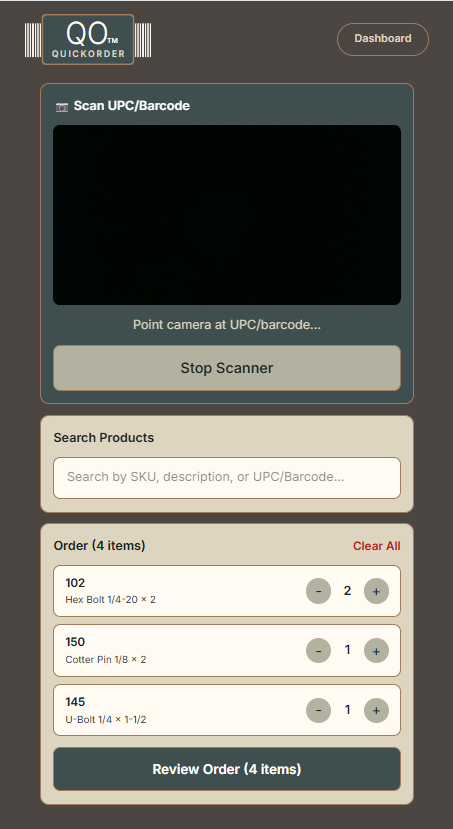
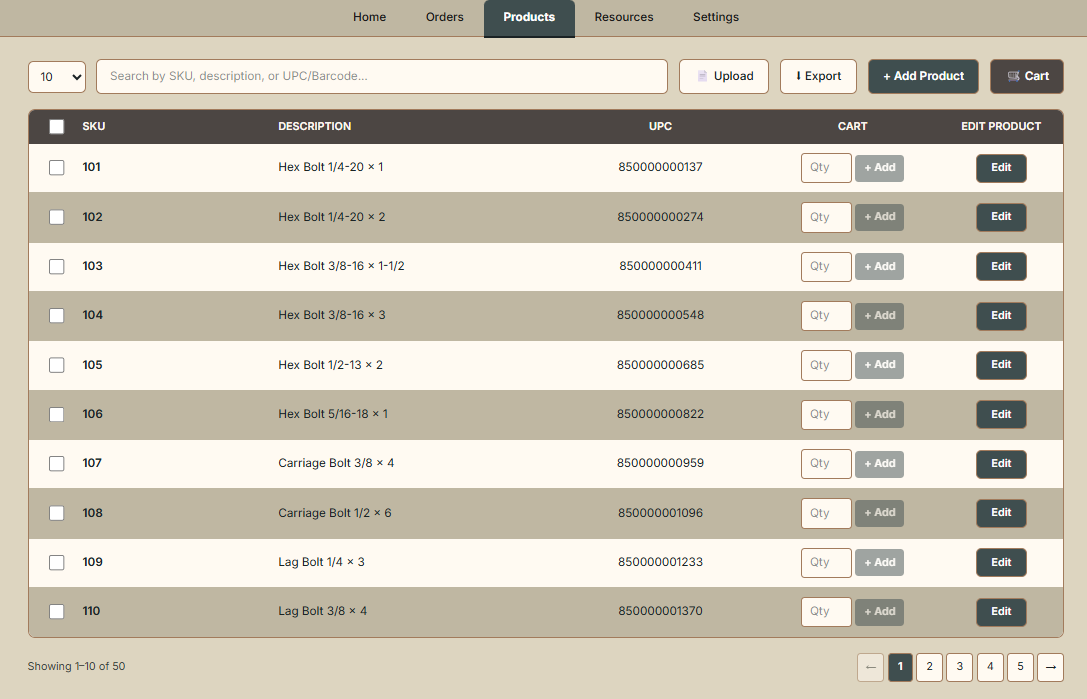
Three steps. Sixty seconds.
From the store floor to your office inbox - every order, every vendor, every time.
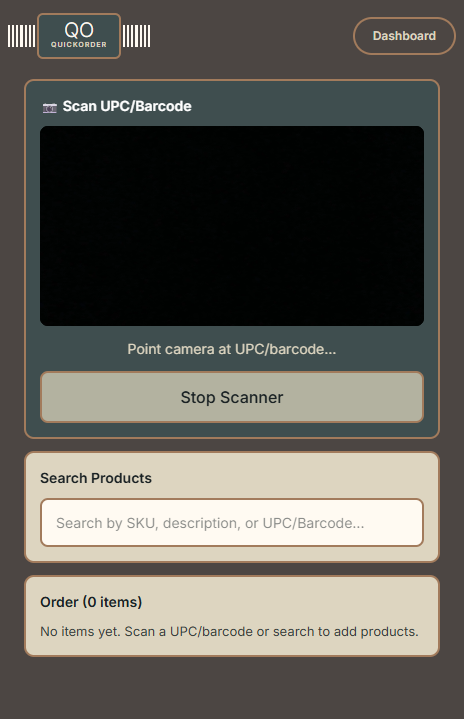
Point your camera.Done.
Open QuickOrder on any phone, tablet, or desktop. Aim at any UPC or barcode and it's recognized instantly. No app to download.
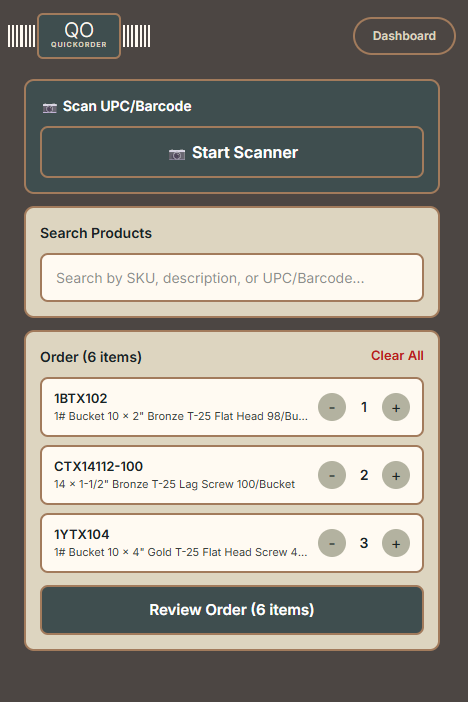
Build it.Done in seconds.
Add to your order with one tap. Custom messages, ERP-ready Excel files. Multi-vendor support for buyers.
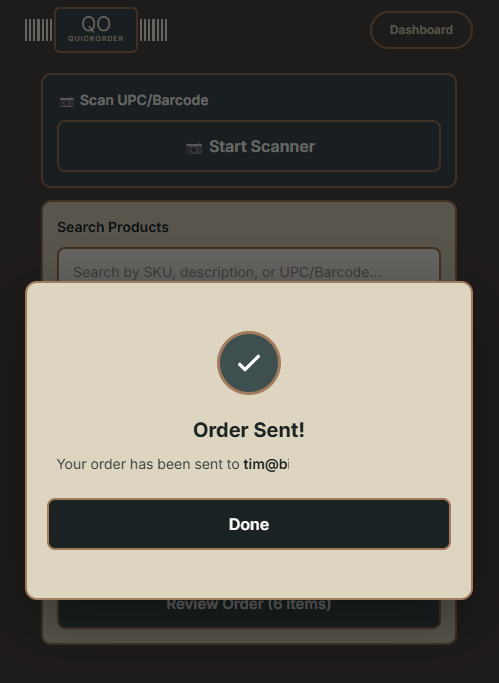
Sent. Confirmed.Logged.
One tap delivers custom emails to your office or vendor. Order history and CSV exports waiting in your dashboard.
How will you use QuickOrder?
Two audiences. One simple tool. Pick the path that matches how you order.
Scan a barcode.Send an order.
From scan to sent in under 60 seconds. The office gets an Excel file ready for ERP import.
- ✓Scan barcodes - orders built in seconds
- ✓Send instantly from the store floor
- ✓Sales Rep+: customers order on their own logins
- ✓ERP-ready Excel attachments
One scan.Every vendor.
One scan session handles every vendor at once. Orders auto-split, custom messages, emailed with one click.
- ✓One scan session covers all vendors
- ✓Orders auto-split and emailed per vendor
- ✓Team roles & access for purchasing teams
- ✓Full order history with export
The old way vs. the QuickOrder way
Manual ordering steals hours every week. Here's what changes when you switch.
- ✕Manual data entry into emails or spreadsheets
- ✕Multiple rounds of corrections from typos
- ✕No order history - no way to track what was sent
- ✕Hours per week lost to manual ordering
- ✕Customers and buyers wait on you to place orders
- ✓Scan barcodes - orders built in seconds
- ✓Scanner keeps working with no signal
- ✓ERP-ready Excel files, no reformatting
- ✓Full order history with CSV/Excel export
- ✓No retyping SKUs or UPCs
Ready to try itfor yourself?
Set up in minutes. Try free for 14 days. No credit card required.